
NUROMOVA CARE
Technical support.
Keep your N1 ready for your next session.
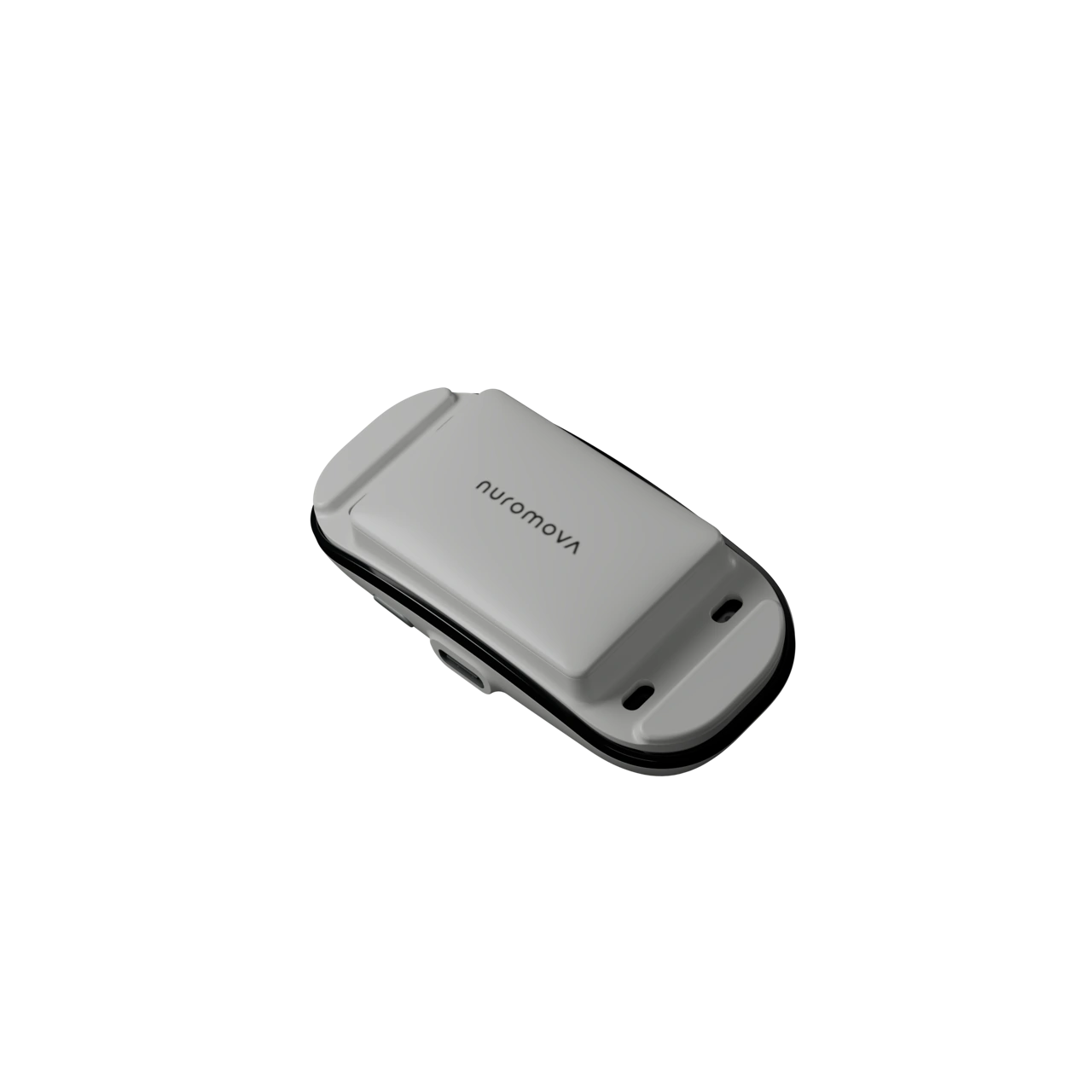
NEW TO N1?
Your first session starts here.
Connect, check your fit and follow the calibration in your app.
10 answers
What do I need before my first session?
Have your N1, headband, charging dock and phone ready. Follow the connection, fit and calibration checks in the Nuromova app before recording.
Need help accessing the app? Email our team for onboarding guidance.
See the guided setupHow should I wear the headband?
Use the app's fit and orientation guidance. N1 records at the forehead, so check the indicated electrode contact before starting calibration. Adjust the band for a secure, comfortable fit.
If the fit is uncomfortable or you notice irritation, stop wearing it and contact the team for guidance.
My N1 is not connecting. What should I check?
- Check that N1 has been charged and keep it near your phone.
- Check that Bluetooth is enabled and review the app permissions requested by your phone.
- Reopen the app and follow its connection flow.
If it still does not connect, tell us your phone model, operating system, app version and the exact message shown. Do not reset or disassemble the device unless the team directs you.
My N1 does not appear to charge.
Check the magnetic dock alignment and that the charging cable and power source are connected. Inspect the contact area for visible obstruction without opening the device.
If you notice damage, unusual heat or moisture, disconnect power and stop using the device. Contact our team before trying again. Include a photo of the dock setup if possible.
Why are parts of my recording missing?
Readings depend on qualified N1 data. When a segment is unavailable, it should remain missing rather than being treated as a zero or a measured value.
Check the fit and data-quality guidance in the app. If a gap keeps recurring, note the activity and when it happened so the team can investigate.
What if I cannot complete calibration?
Follow the app's current fit, contact and calibration prompts. Wait for the app to confirm usable data before relying on a reading. Do not substitute an older value for an unavailable measurement.
If calibration repeatedly fails, send the team the message shown and the steps that led to it. We can help review the setup.
How should I interpret my state readings?
Explore energy, focus, exercise fatigue and psychological stress alongside your activity and experience. Measured and estimated values have different sources; check the source and availability shown in the app.
These readings support review, not a diagnosis or a guarantee of performance.
Explore state readingsWhere can I read the App privacy policy?
The published App privacy policy describes personal information handling and related rights. The current policy is available in Simplified Chinese.
App Privacy Policy (简体中文)Where can I get help with an order?
Contact info@nuromova.com with your order number and question. Refer to your order confirmation for the terms that applied to your purchase. Dispatch and delivery are different stages; the team can help clarify your order's status.
Do not include card details, passwords or payment verification codes.
How do I ask about returns or a device issue?
Email the team with your order reference, device issue and the country of purchase. The team will confirm the applicable return or warranty terms and next steps for your product and region.
Do not send a device back before receiving return instructions.
No matching answers.
Try a different term or browse all topics. Our team can also help.
LET'S SORT IT OUT
Talk to the Nuromova team.
Share your device and app version, what happened and any error message. Leave out passwords, card details and raw recordings.